

Every set takes shape. The bodybuilding logbook.
The bodybuilding logbook. Load, reps and RIR, set by set.
Try the app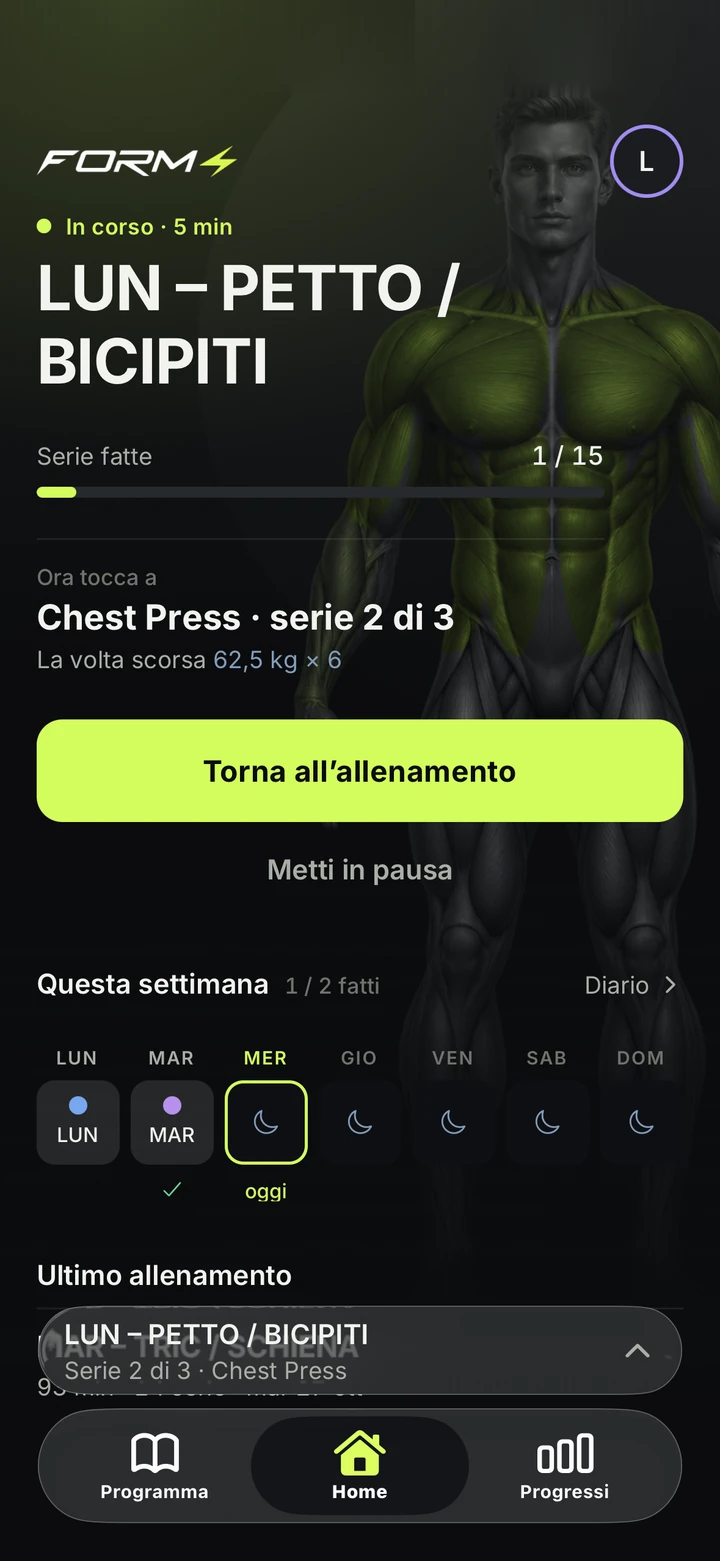
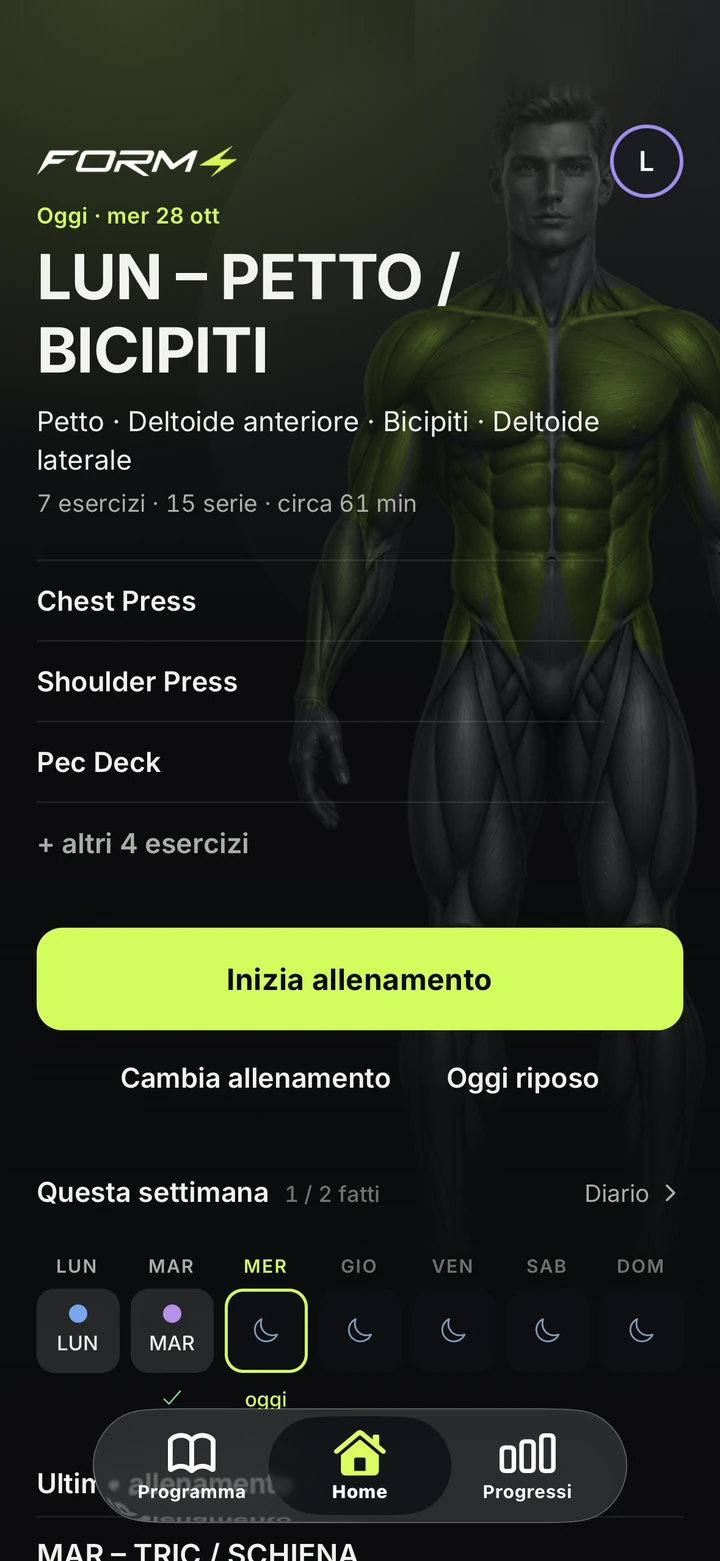
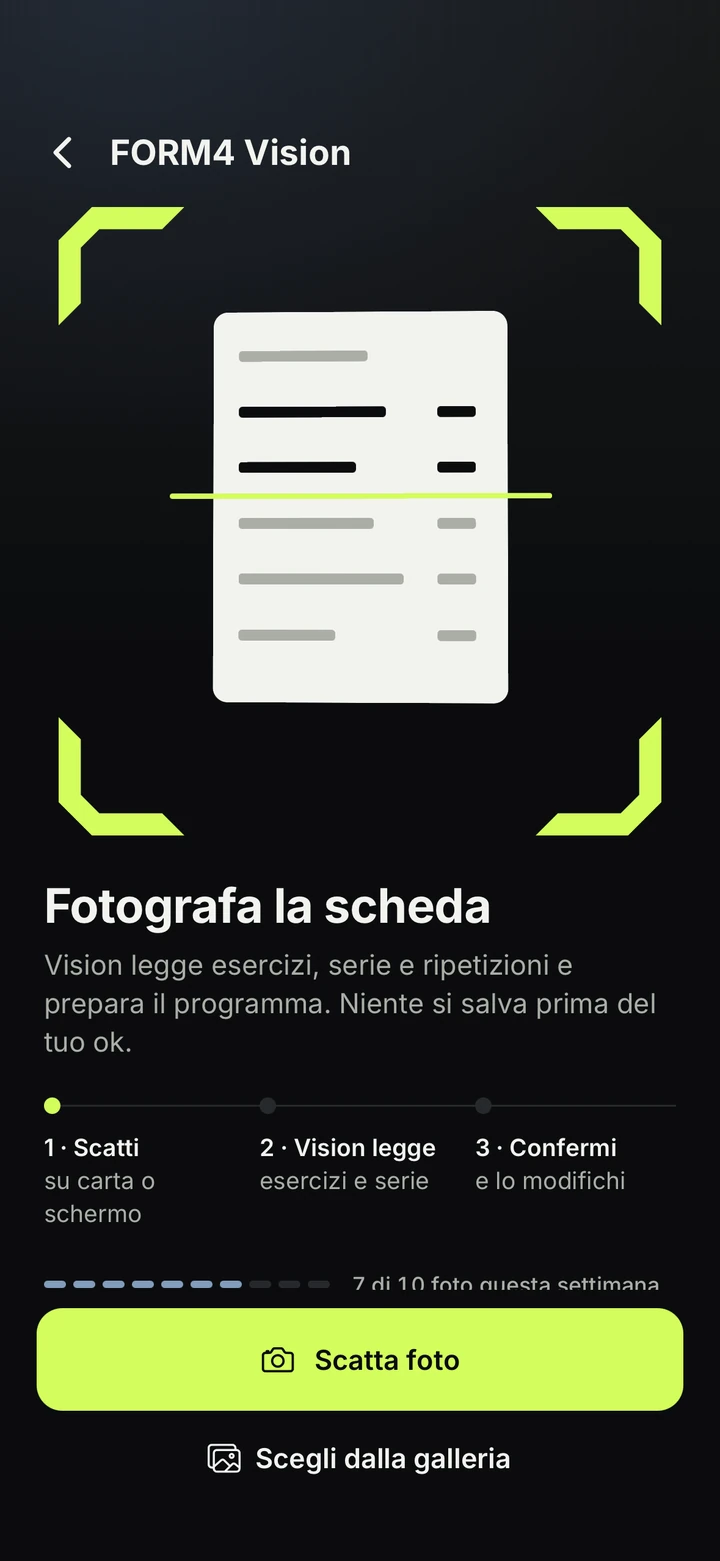

Already have a plan? Photograph it.
Vision remembers your corrections on this phone and, after two confirmations, applies them itself.
Log it right.Compare what counts.See what changed.
Tracking. Simplicity. Precision. Everything in FORM4 follows from here.
Inside the set.
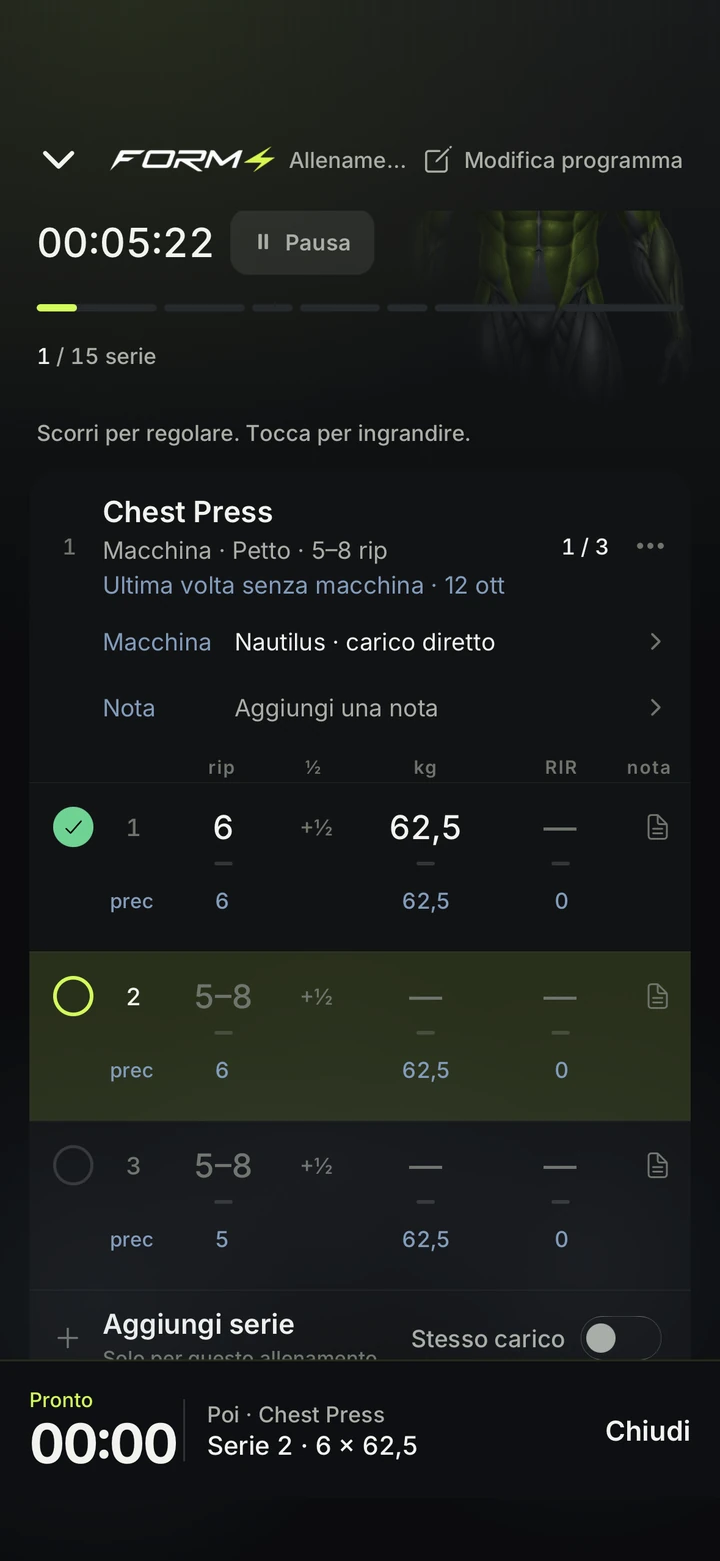
Your previous set in sight. The next one, under your thumb.
Your next set, ready.
Highlighted, with the previous one below it: 7 × 22 kg, RIR 1.
Log it. The comparison is already there.
Same load, one more rep. The next set moves into place.
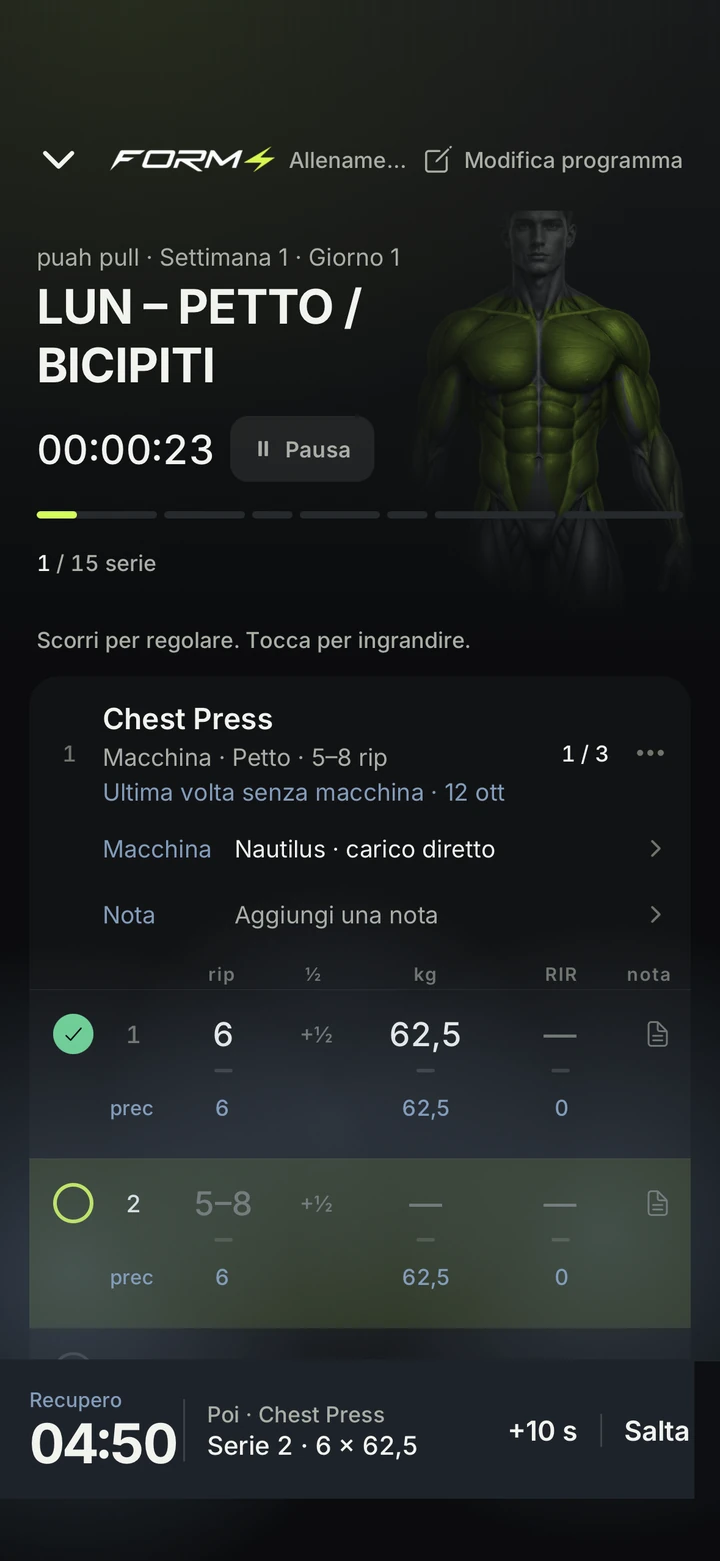
One tap and the rest starts.
Add 10 seconds or skip. Try it here.
RestingReady02:55
Then · Seated Dumbbell CurlSet 2 · 6 × 22
Seated Dumbbell Curl
Dumbbell · Biceps
Target 5–8 reps
| State | Set | reps | kg | RIR |
|---|---|---|---|---|
| 1 | 5–88 | -22 kg | -1 | |
| prev | 7 | 22 | 1 | |
| 2 | 5–87 | -22 kg | -1 | |
| prev | 6 | 22 | 1 | |
| 3 | 5–86 | -22 kg | -1 | |
| prev | 5 | 22 | 1 |
+1repagainst the previous session
7 × 22 kg → 8 × 22 kg
A reconstruction of the workout screen in the app’s colors. Demo data, program · TORSO LIMBS
One side at a time.
Separate load, reps and RIR. Even the rest between right and left has its own time.
Single-Arm Triceps Pushdown Set 1 · Demo data
Between sidesGo01:08
Between sidesNow the left side
Right first. Then left.
Rest in between.
Left
That one counts, too.
The half rep stays in the record of the side that did it.
Right with right. Left with left.
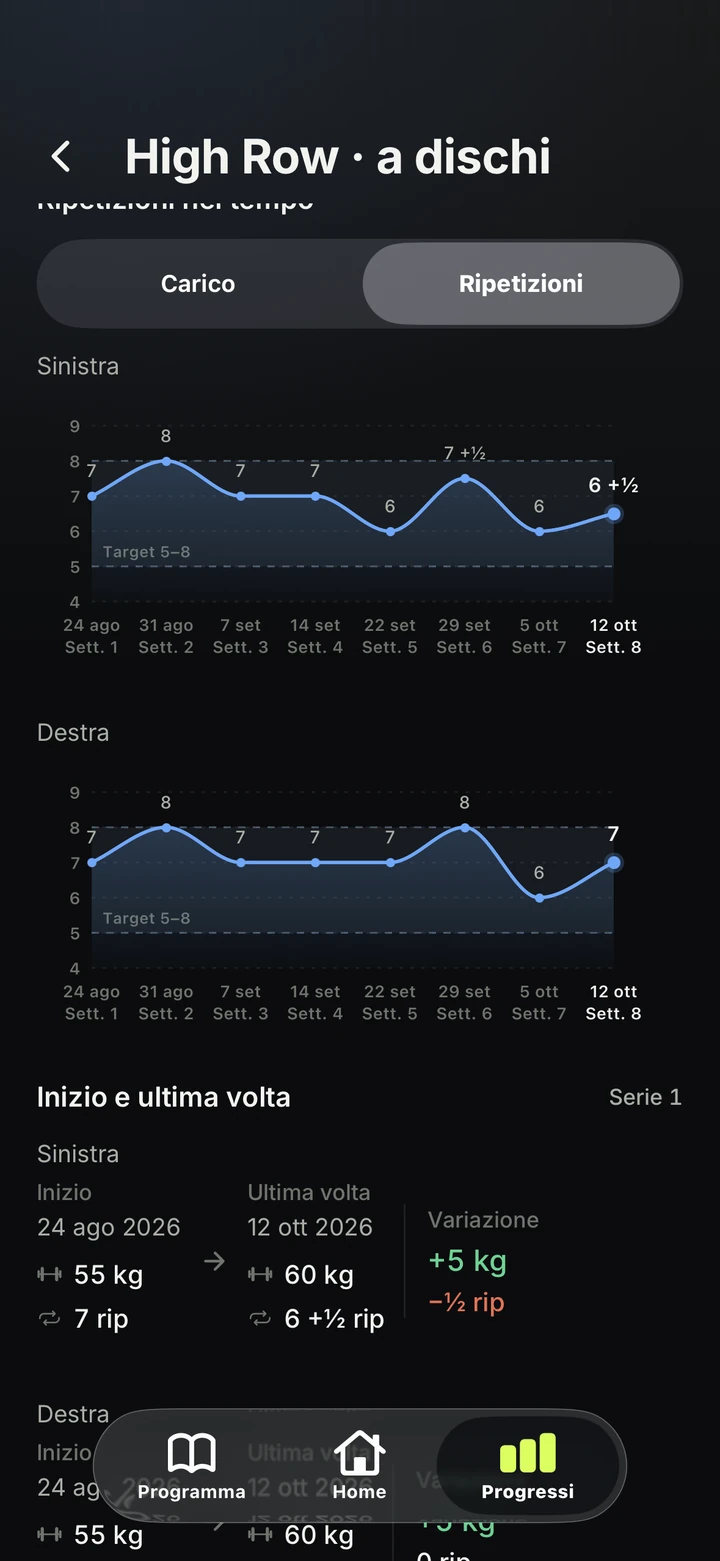
Same exercise. Same set. Each side compared with its own history, never with the other.
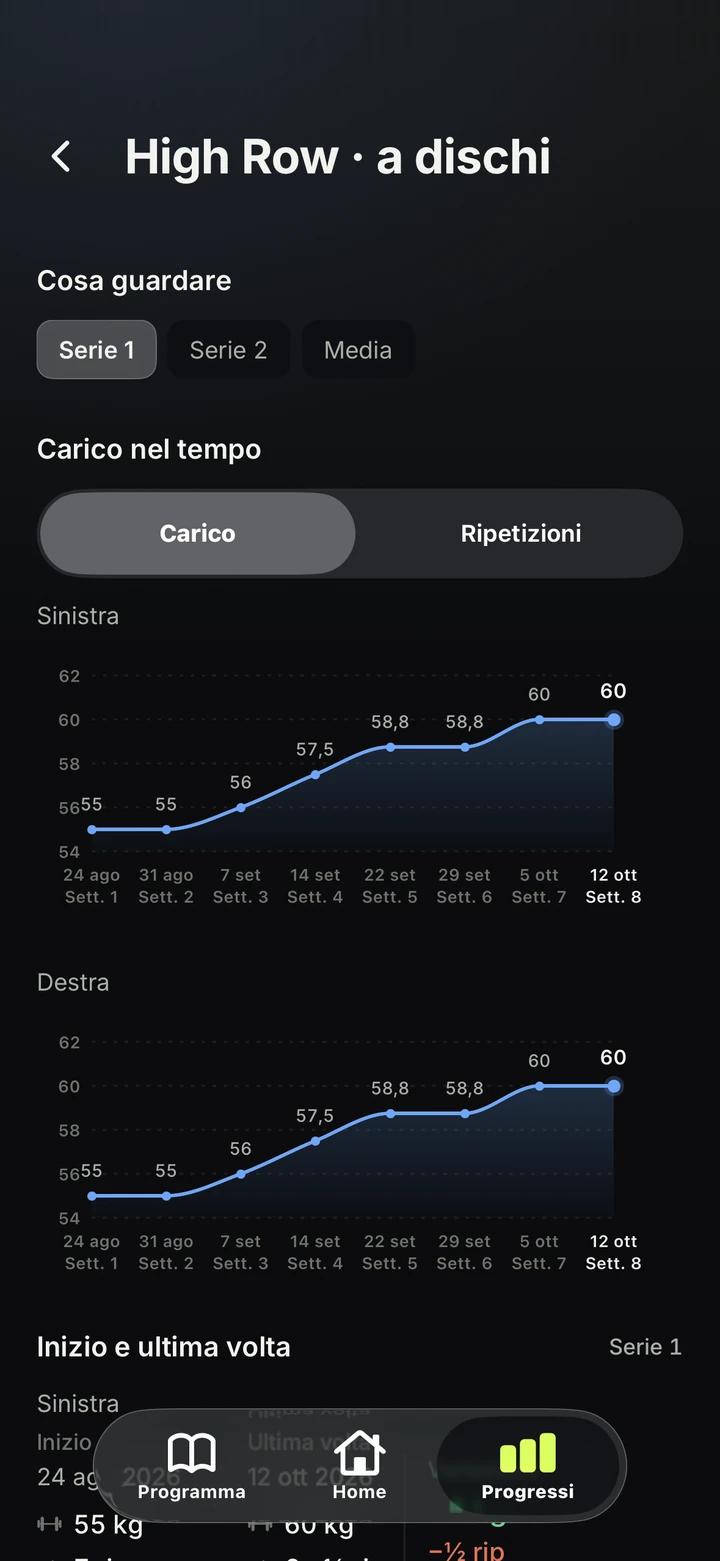
Plate-Loaded High Row
Set 1 · First and latest session
Left
5560kg
+5 kg 7 → 6 +½ reps
Right
5560kg
+5 kg 7 → 7 reps
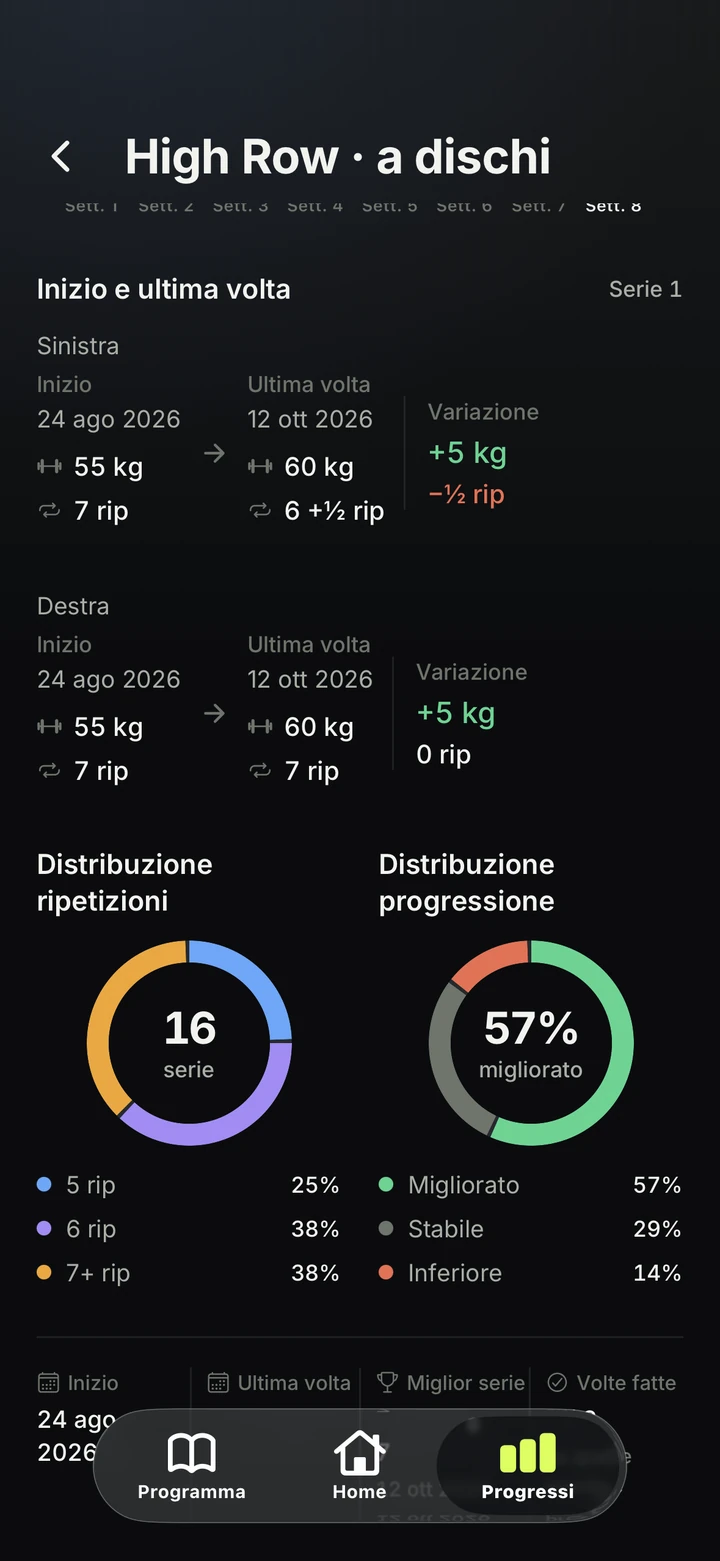
First and latest session documented in the app for both sides. Two separate comparisons, even when the values match.
From planned to performed.
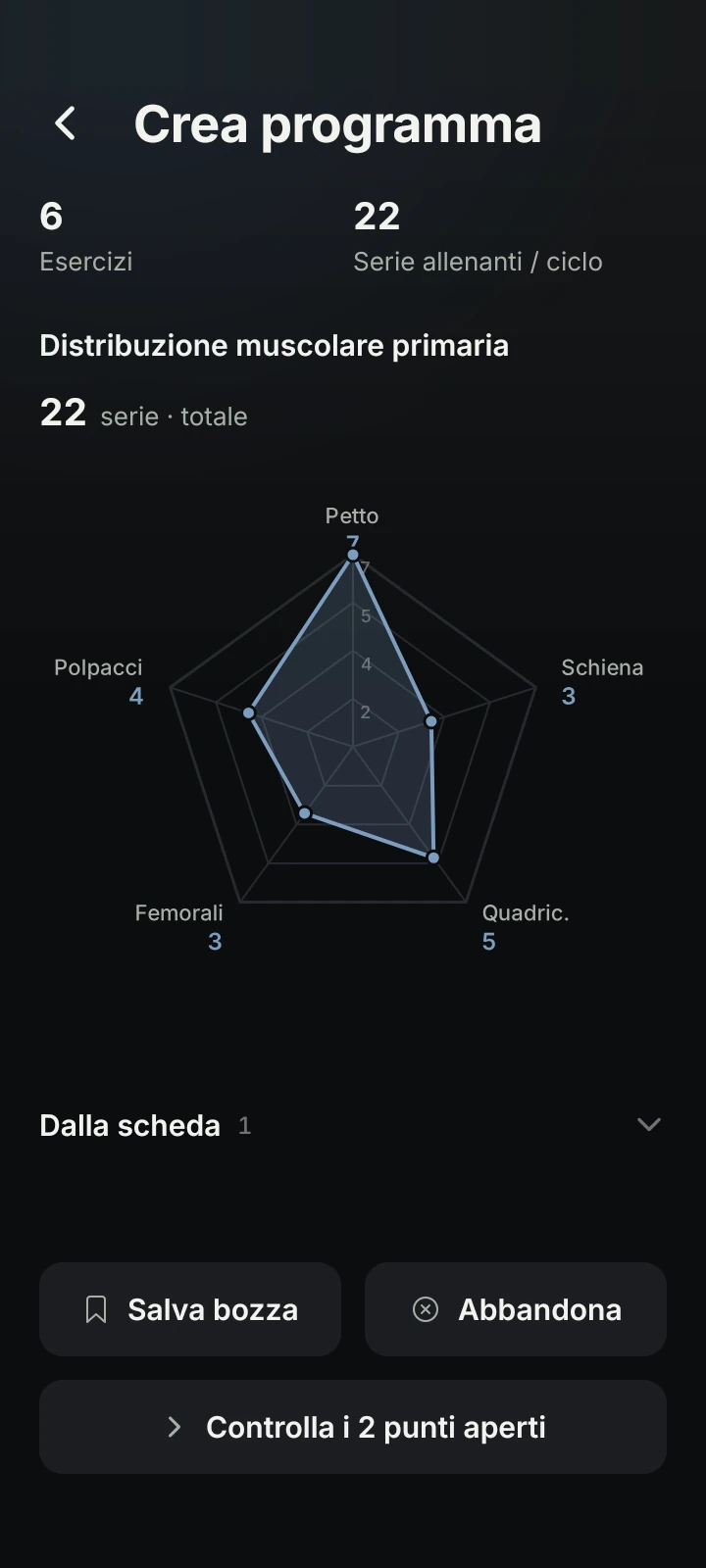
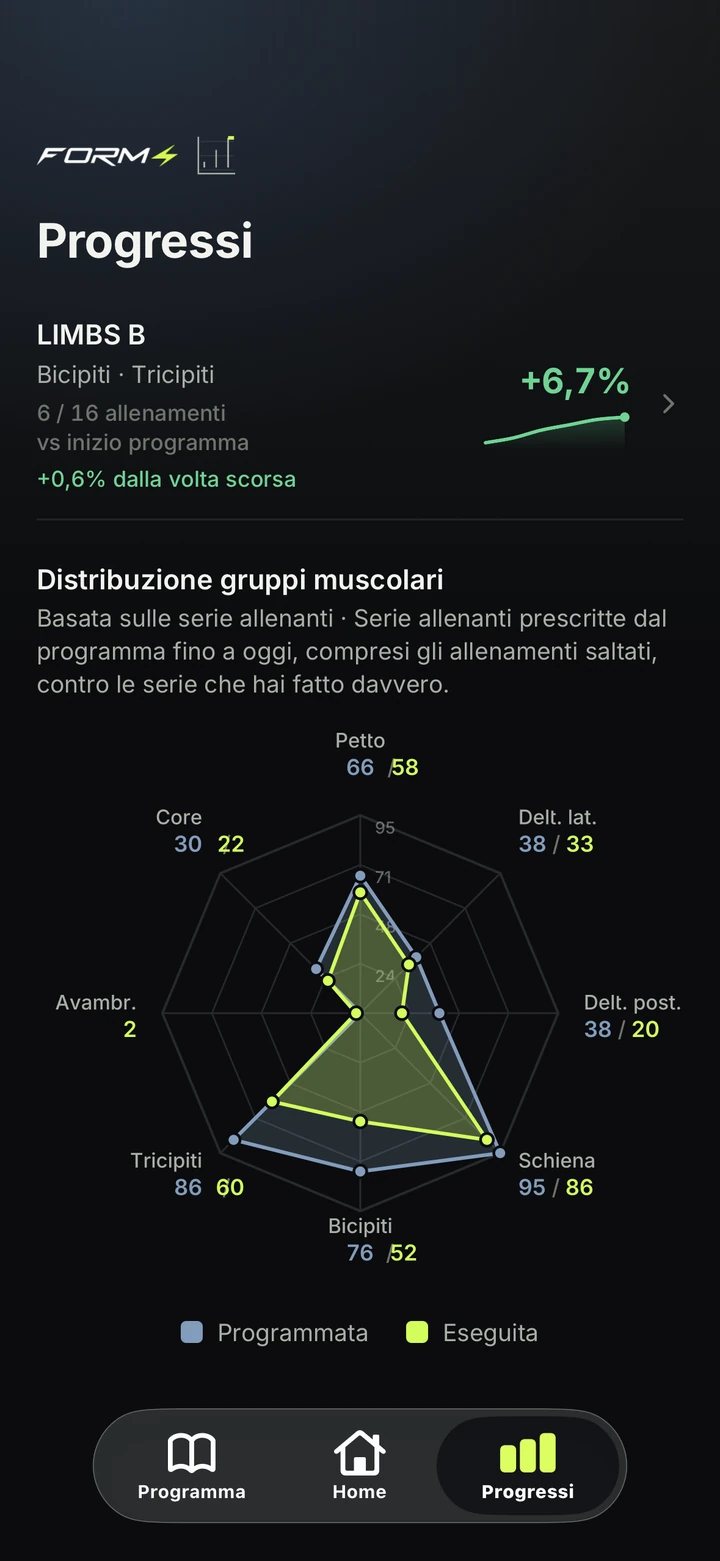
Planned and performed sets, muscle by muscle. Where the shapes separate, your work differs from your plan.
Read one muscle at a time.
Biceps
24programmed
22performed
−2 sets against the plan
| Group | Programmed | Performed |
|---|---|---|
| Chest | 27 | 26 |
| Side delts | 14 | 12 |
| Rear delts | 14 | 8 |
| Back | 31 | 32 |
| Biceps | 24 | 22 |
| Triceps | 28 | 25 |
| Core | 12 | 2 |
Example from the app: planned sets for completed sessions and performed sets.
The whole app. Screen by screen.
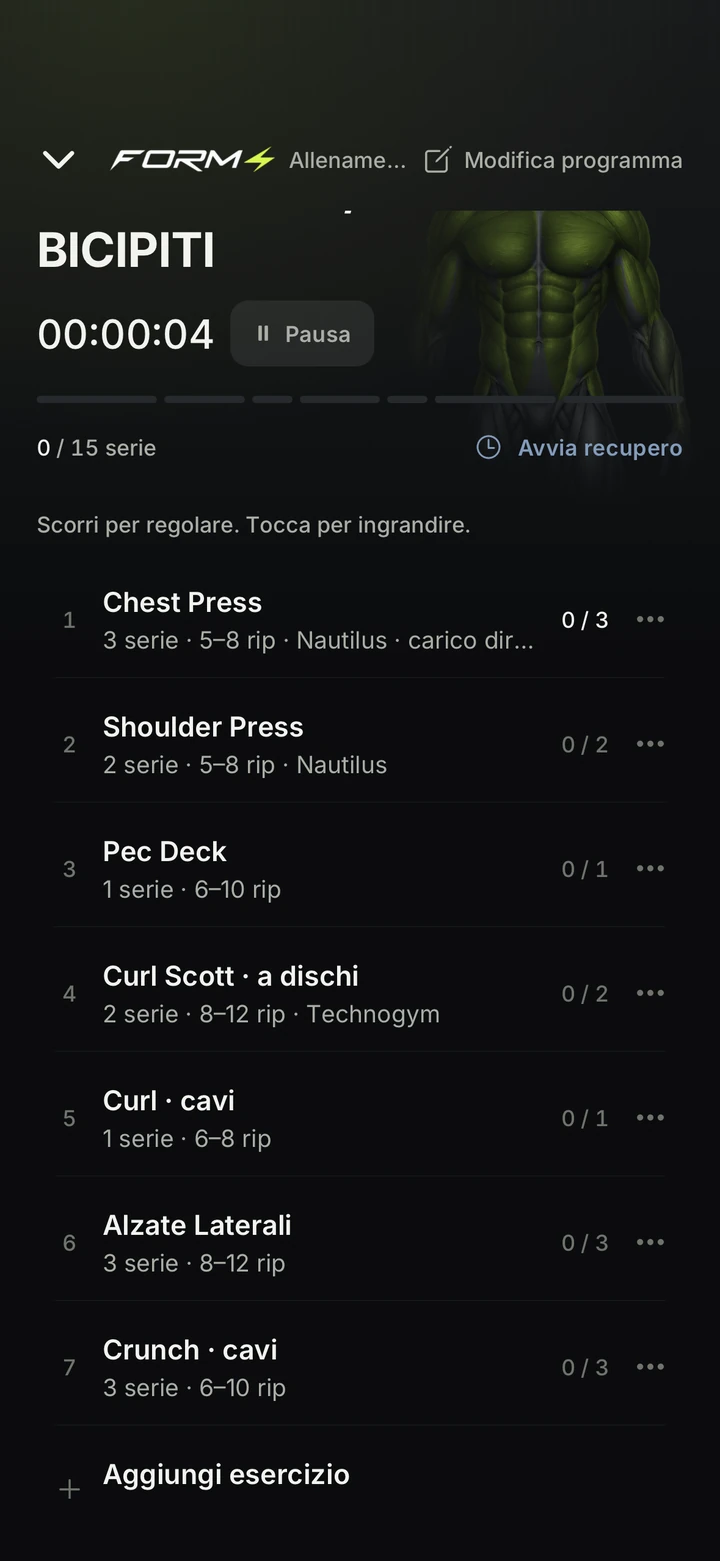
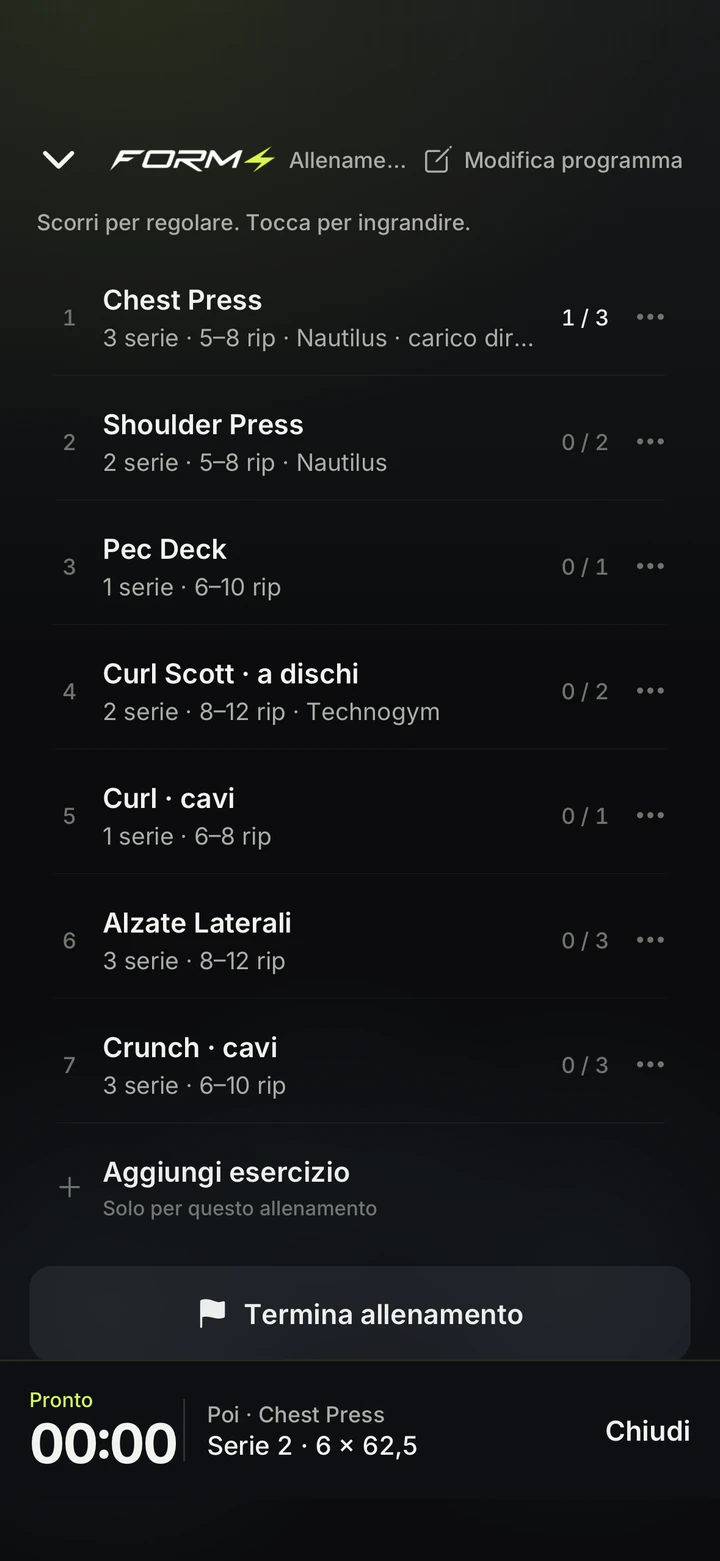
Home, Program, Workout, Progress. Actual screens, as they are.
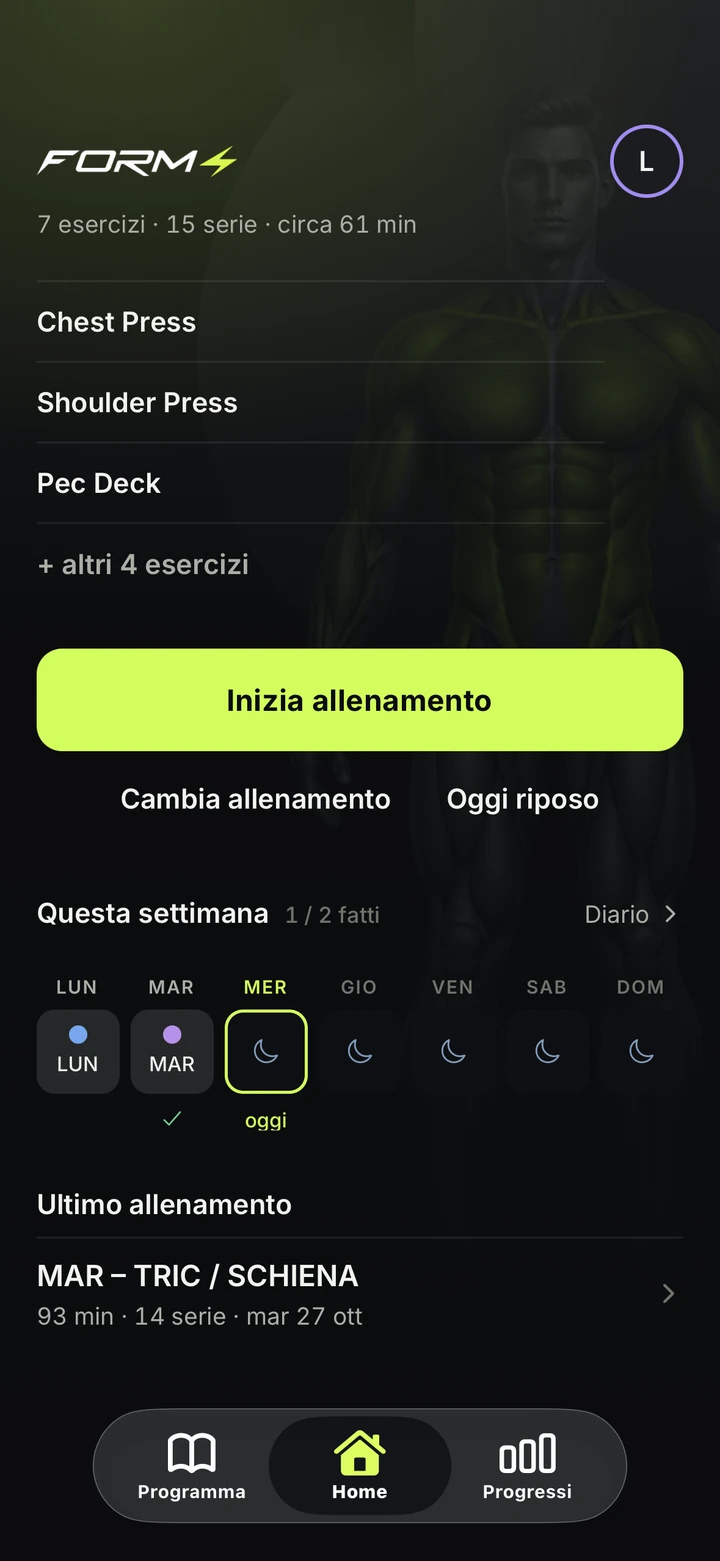
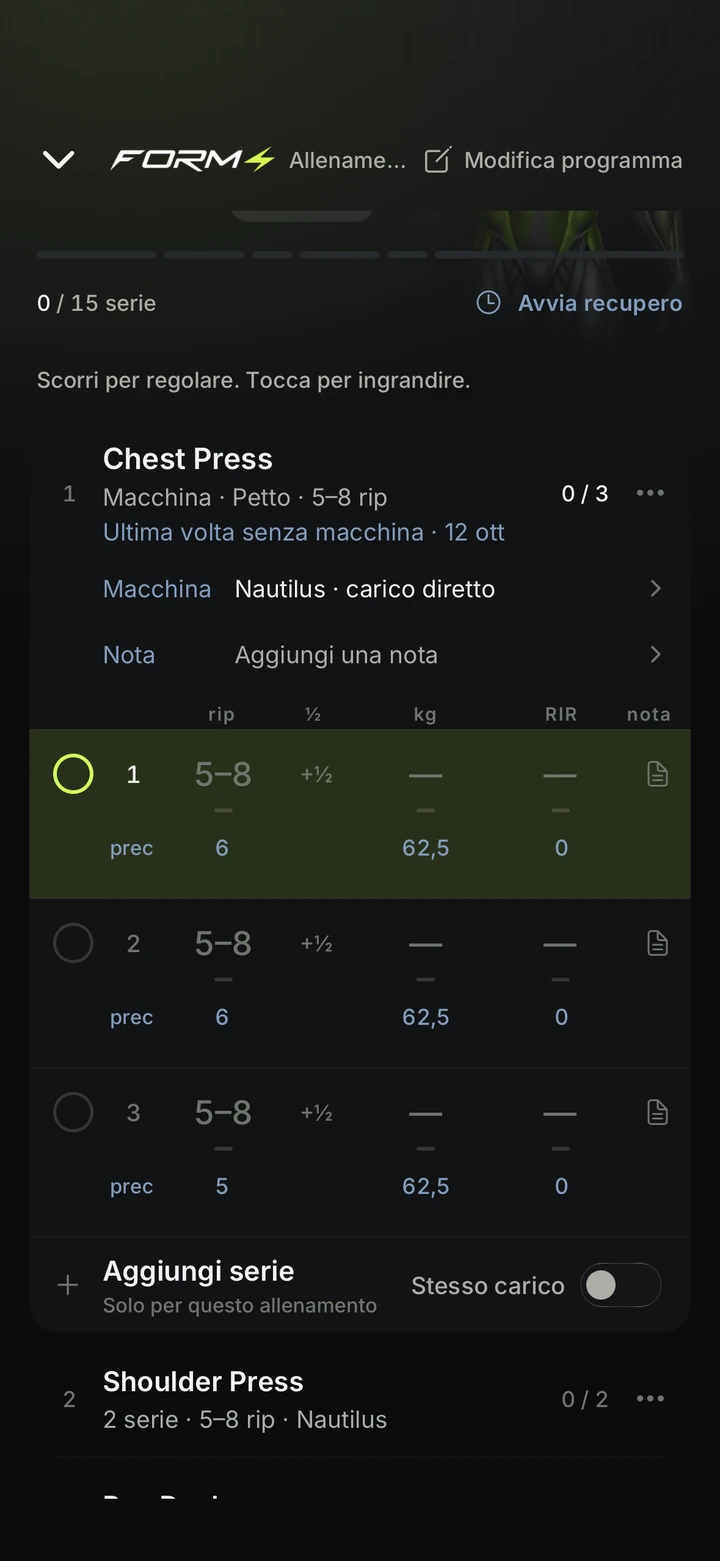
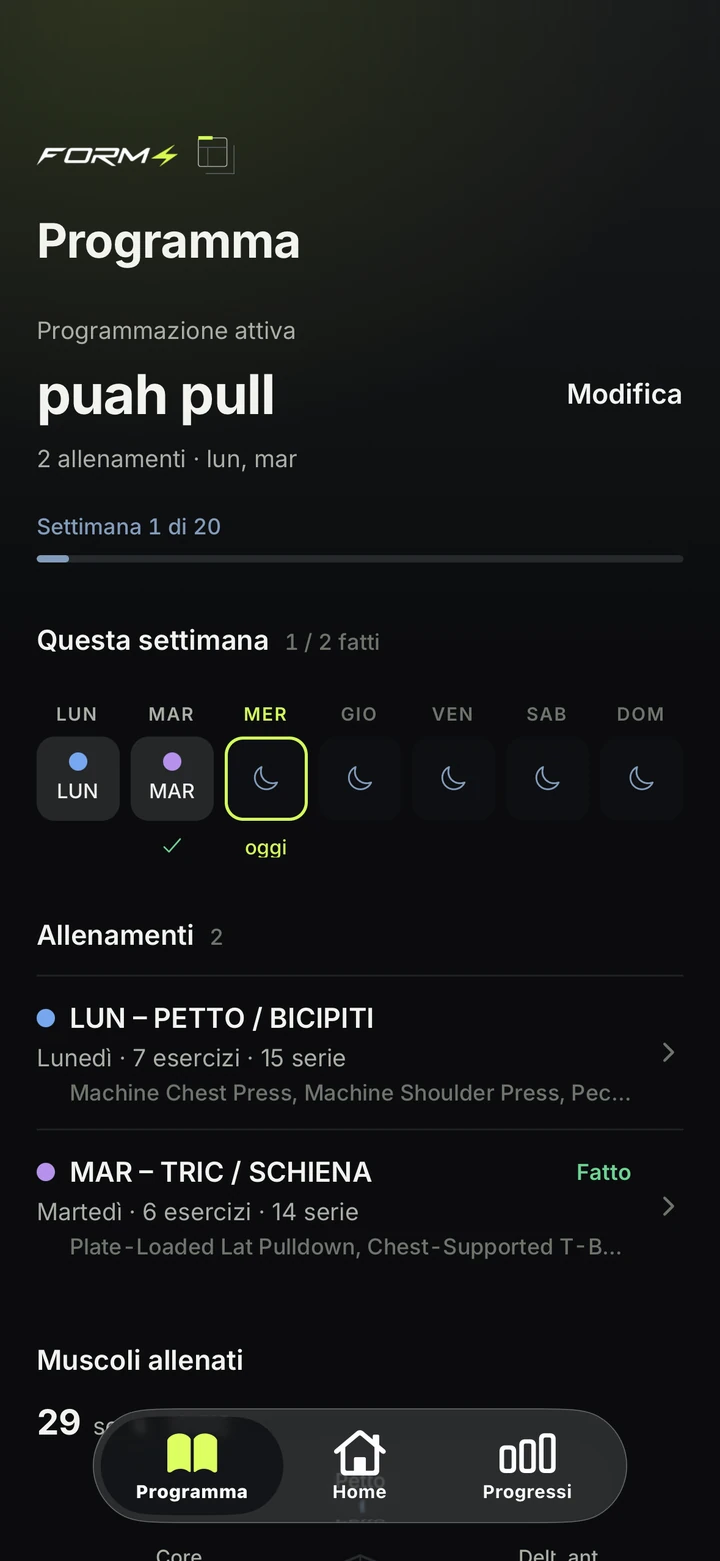
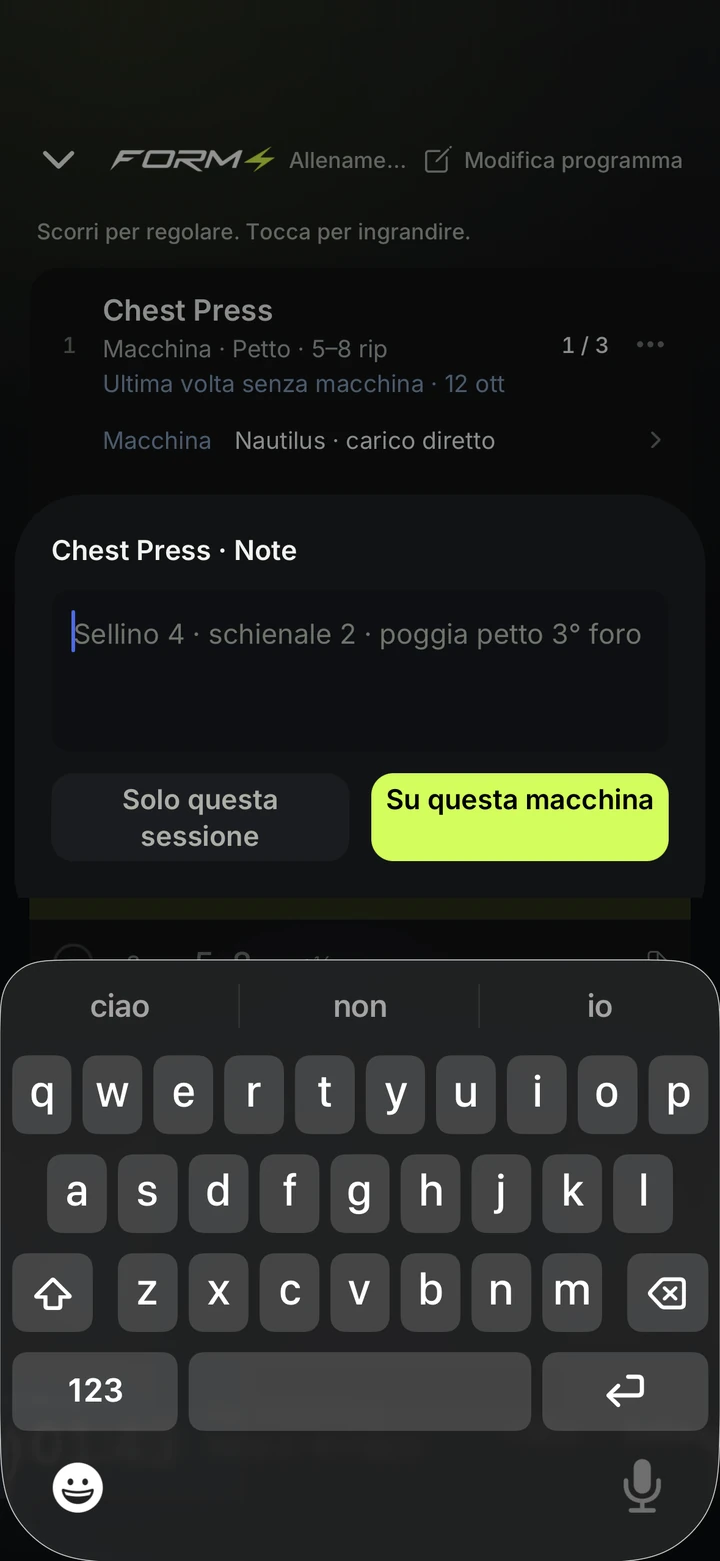
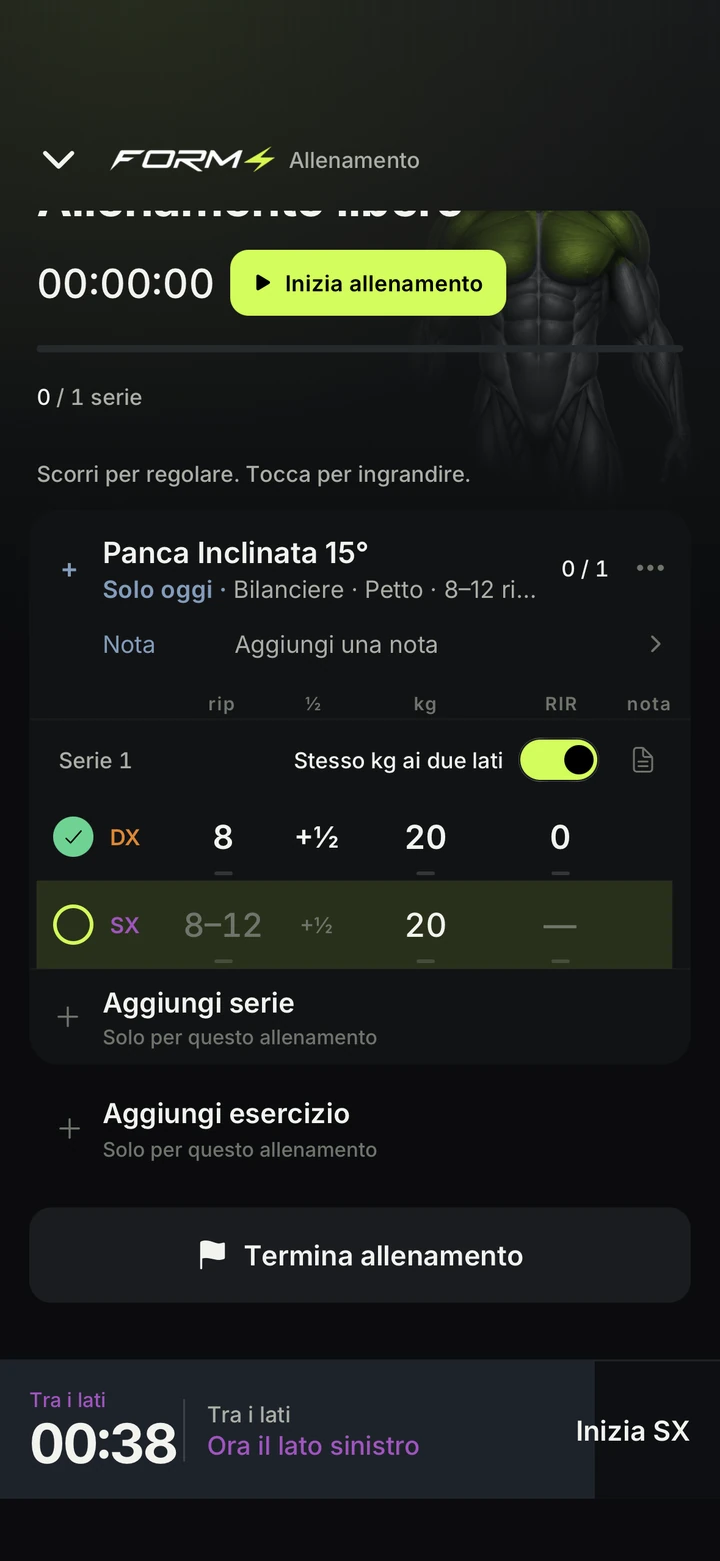
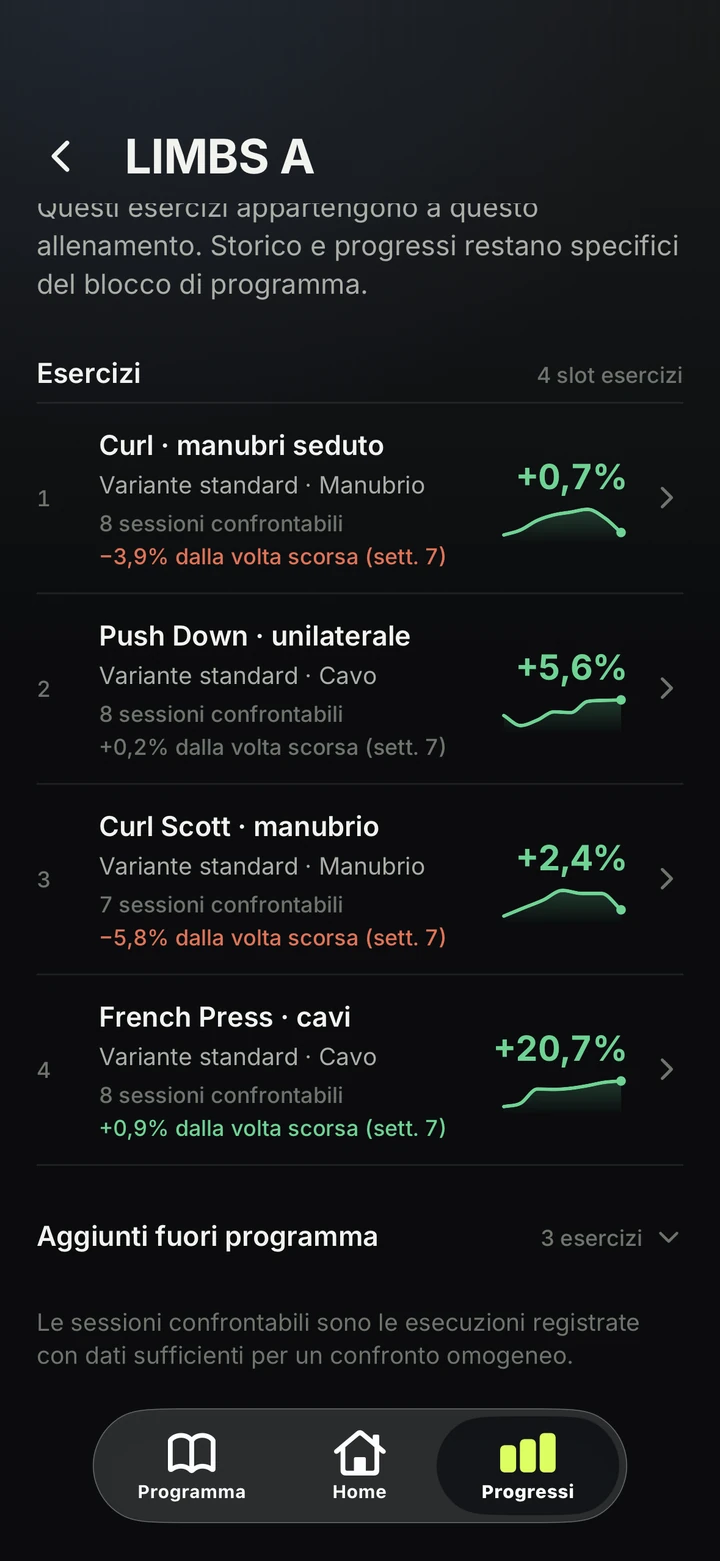
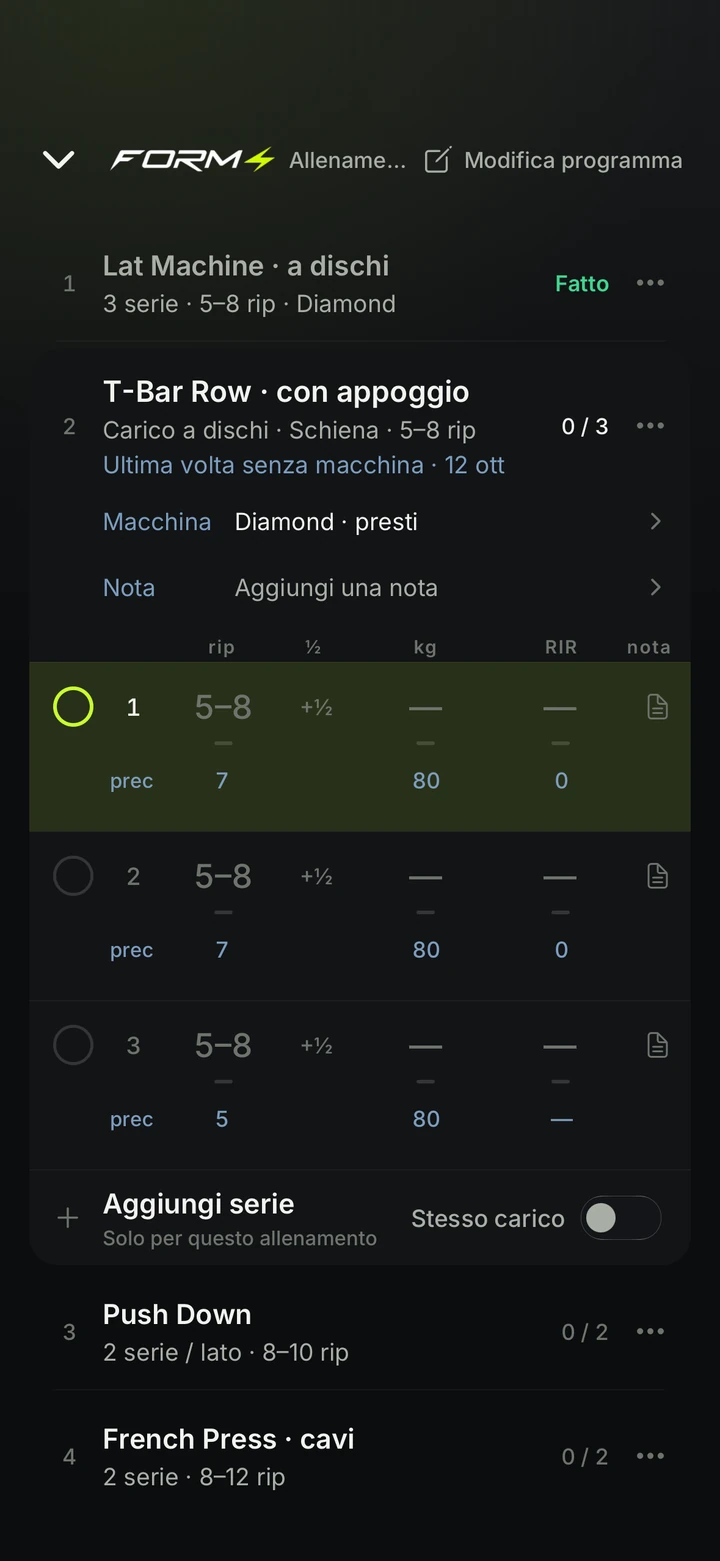
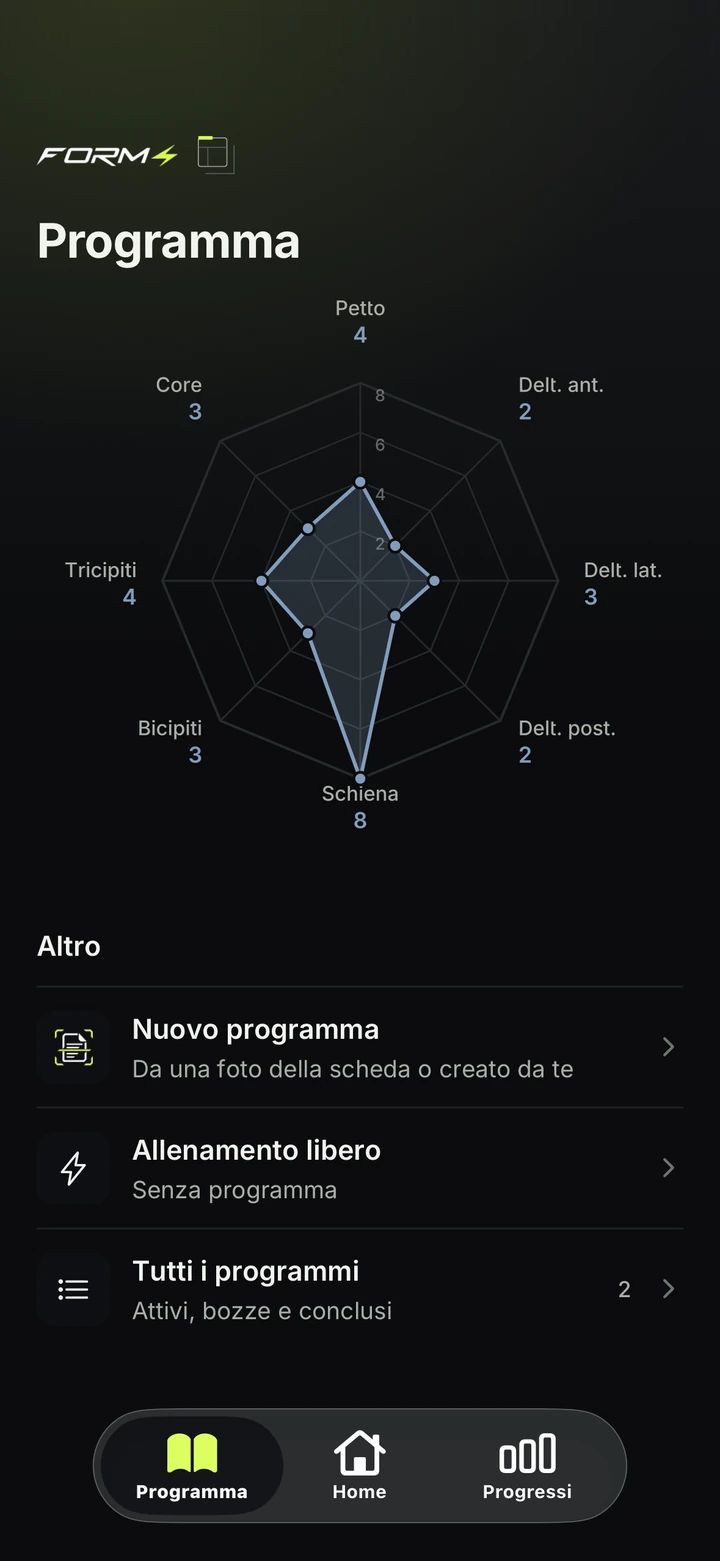
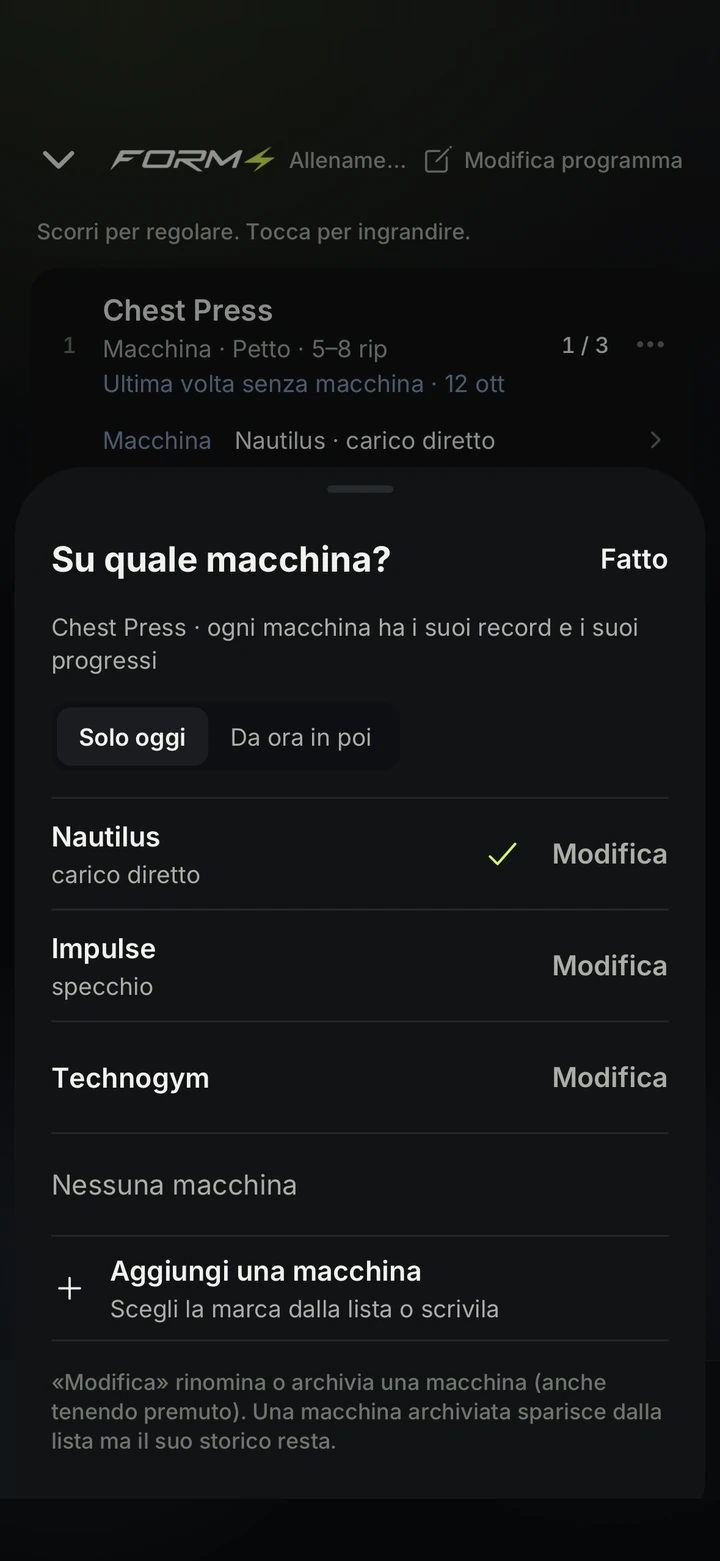
Think in weeks. Train today.
Training days and rest days. Your program takes the rhythm of your week.
TORSO LIMBS
Week 5 / 9
- MonDoneTORSO A14 sets
- TueTodayLIMBS A9 sets
- WedRestRest
- ThuPlannedTORSO B14 sets
- FriRestRest
- SatPlannedLIMBS B8 sets
- SunRestRest
The program is yours.
Take it with you.
- Export your program
- Save it as a file.
- Import a workout
- From another program, in the Program Builder.
667
exercises in the catalog.
The names you hear at the gym, organized into 222 movement families.
Even the
half rep.
The last rep you attempt but don’t finish counts as half.
Your program
changes. History stays.
Every change creates a new version: past workouts stay exactly as you performed them.
A missing value stays missing.
If you don’t enter RIR, FORM4 won’t invent it. A missing value is never replaced with zero.
Three principles.
Every screen in the app answers to one of these.
- Tracking
- Load, reps and RIR for every set, with the previous set in view. The logbook is the product; everything else reads from it.
- Simplicity
- The fewest taps between you and the next set. The previous set is already in view; rest starts with one tap.
- Precision
- Half reps, sides, rest between sides, target ranges: the details that decide whether a set counts are recorded as data, not side notes.

Your next set starts here.
FORM4. The bodybuilding logbook.
Questions.
What is FORM4?
A bodybuilding logbook. Plan your training, record load, reps and RIR, and compare sessions weeks apart to see how your execution evolves and track progress over time.
What does FORM4 Vision do?
It reads a photo of your training sheet and prepares an editable draft. Review exercises and missing details before confirming the program.
Can I take my program with me?
Export your program as a file. The Program Builder also lets you import a workout from another program.
Where can I download it?
The app is available now on the App Store and Google Play, and it is free during early launch.